Reader goals
- Prefer downloaded pages before remote image loading.
- Keep page index, chapter progress, and resume state understandable.
- Expose real retry/error surfaces when a page is missing or corrupted.
 MIYO
MIYO
Feature guide
The app focuses on reliable local reading, background downloads, source/plugin separation, and native helpers where Kotlin-only paths become expensive.
Reader
Offline-first behavior is the baseline. When a chapter is already downloaded, the reader should prefer local pages and avoid wasting network data.
MIYO puts more attention on slow providers, notification controls, cancellation, local validation, and stuck-state visibility.
Compatible source plugins use the Kotatsu-style parser boundary. Repositories that contain Mihon/Tachiyomi APKs are detected and blocked until a real compatibility runtime exists.
Native work
Native code belongs on measurable hot paths: image probing, archive work, and refinement helpers where JNI overhead is worth paying.
Interface evidence
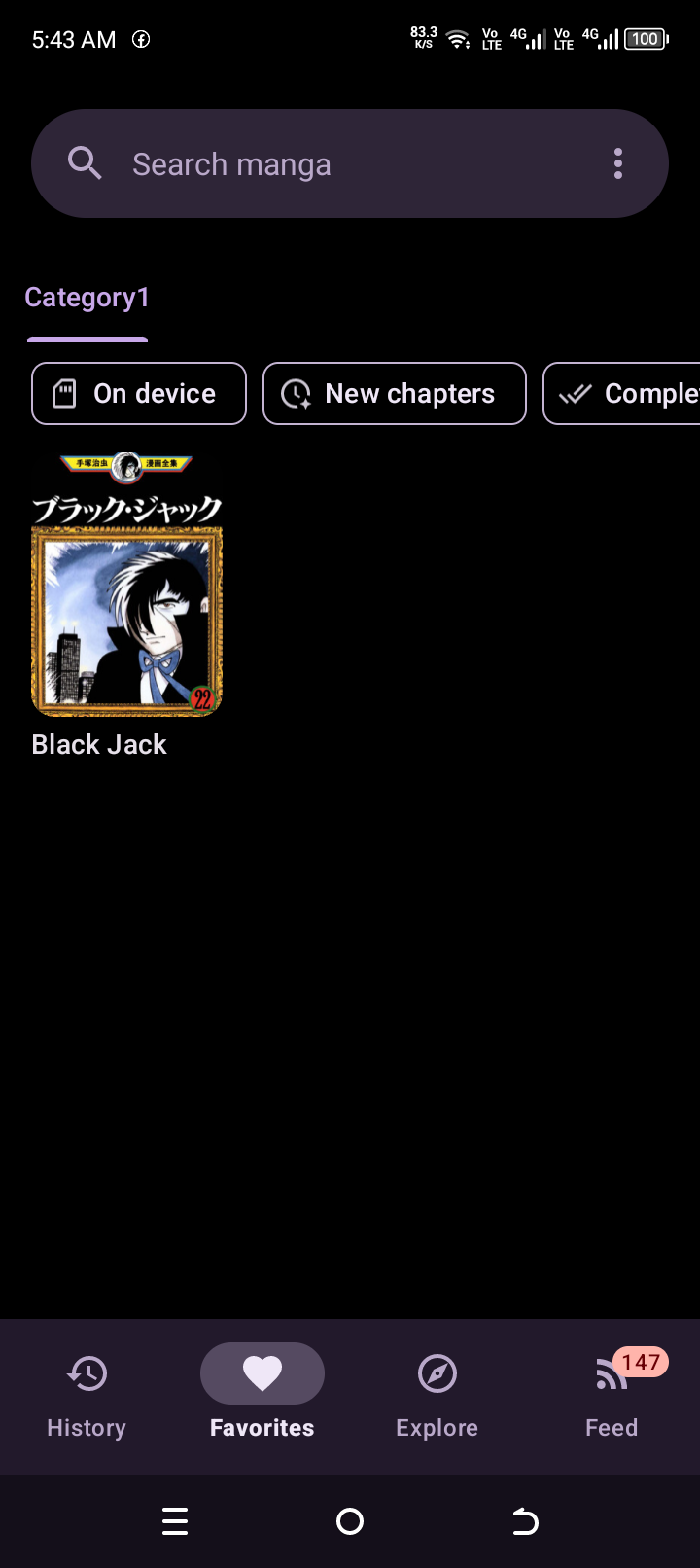
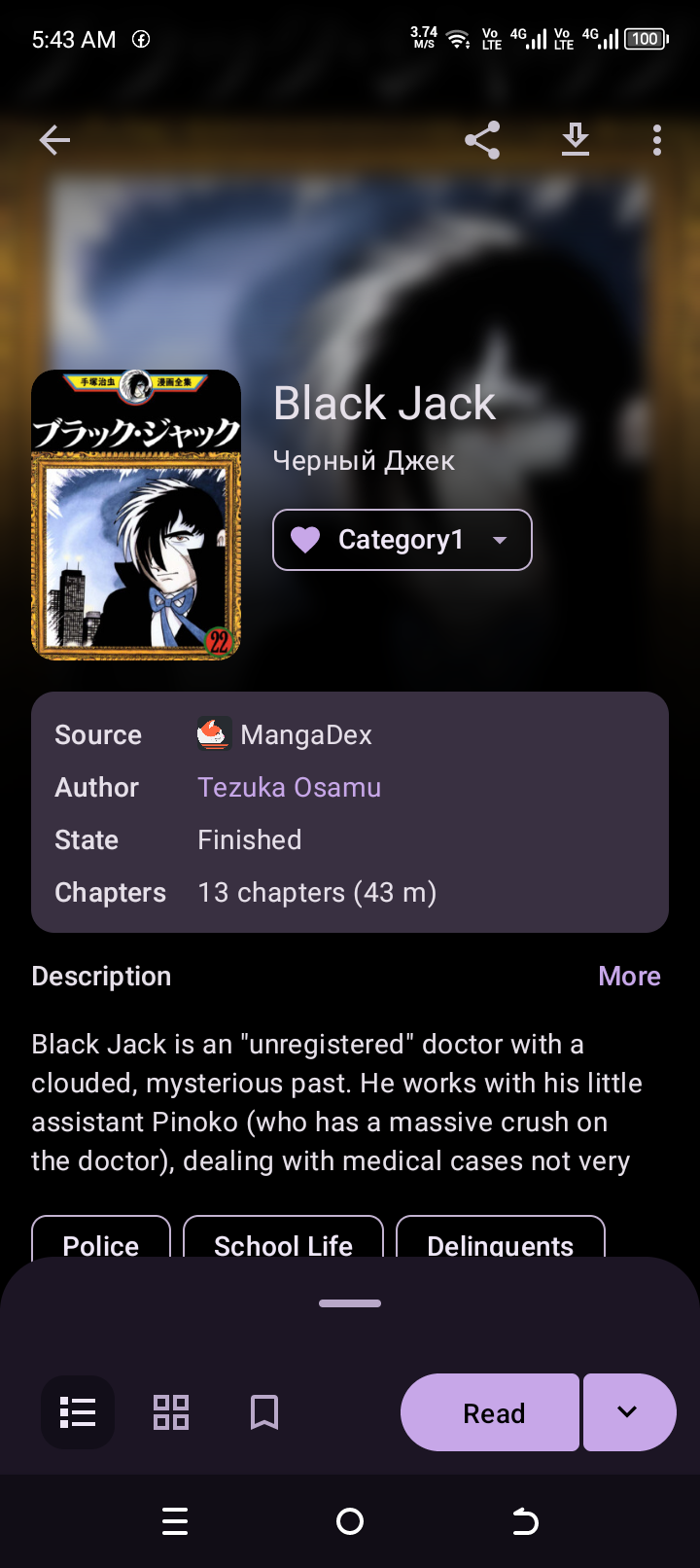
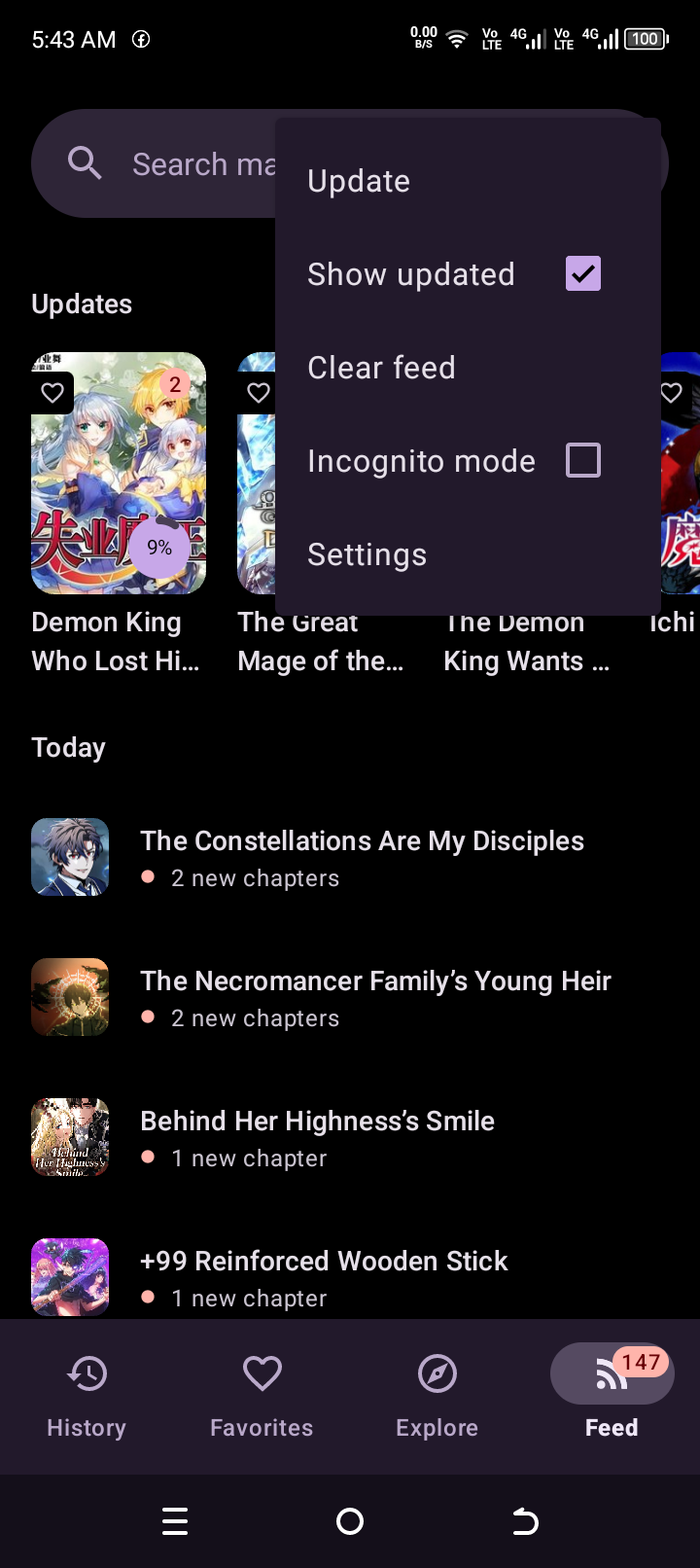
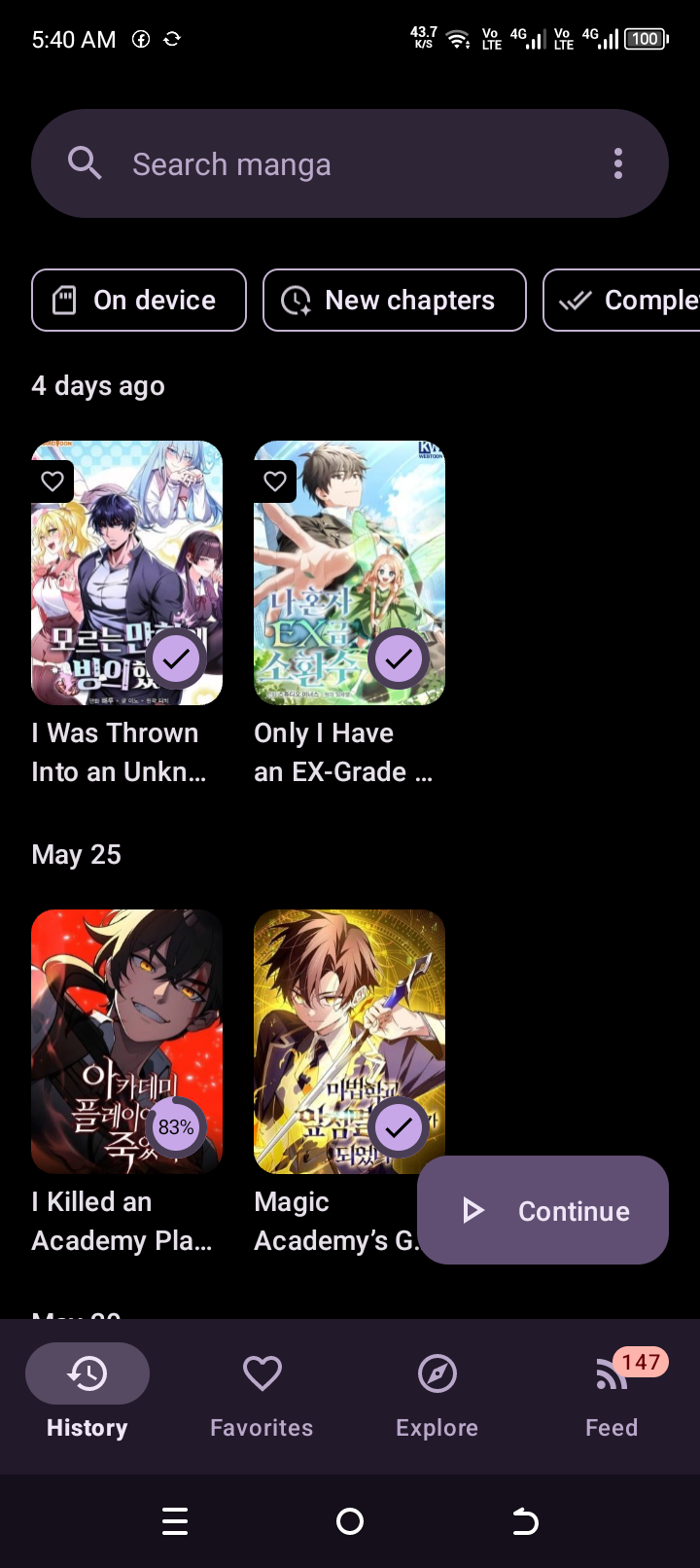
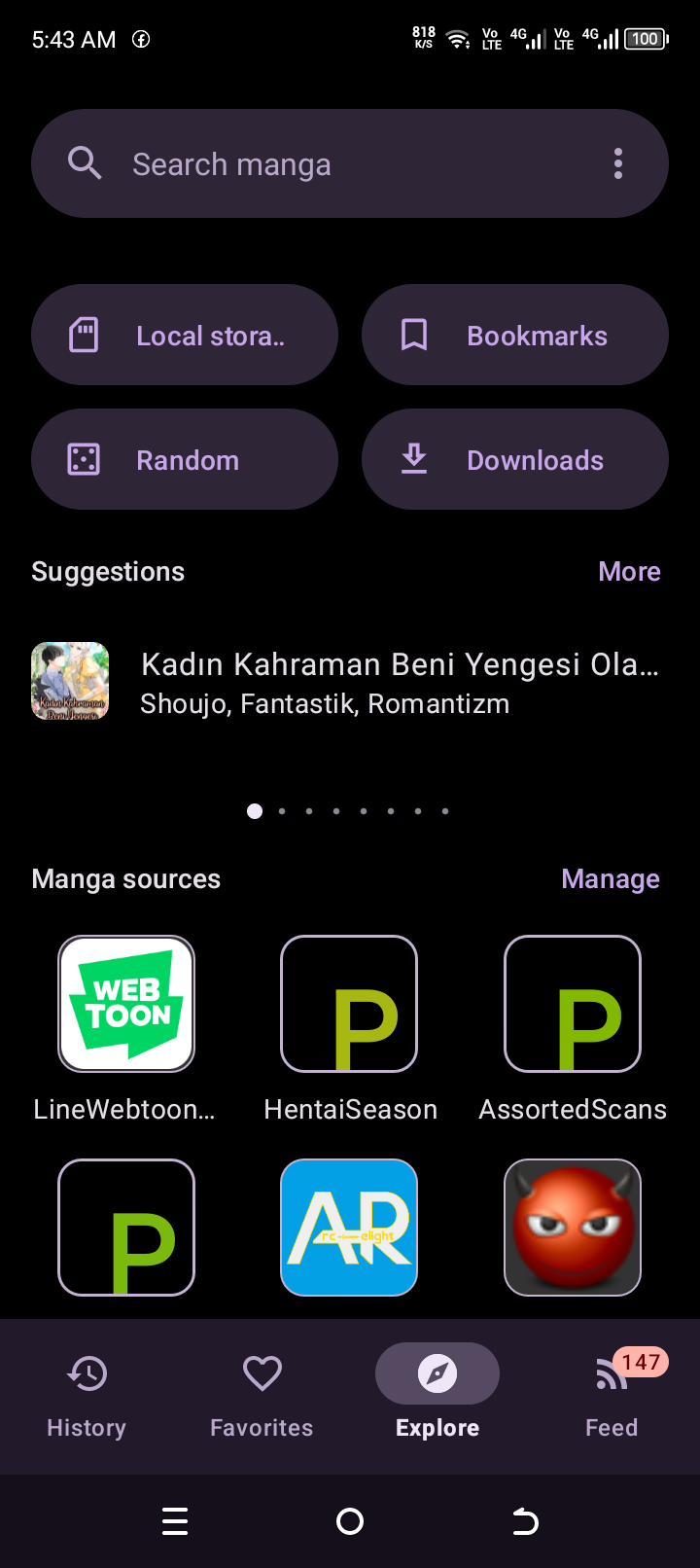
The screenshots show the actual UI direction: black canvas, purple navigation, dense manga grids, and source/action sheets.